Overview
When you create your Elai account, you will need to verify your email address before you can render videos. Elai sends a verification email as soon as you sign up, and you can complete this step at any time during your first session or later from within the editor.
Until your email is verified, you can still explore the editor and build out your first video, but rendering will remain locked. This article walks you through creating your account and completing the verification step.
Prerequisites
An Elai account. If you have not signed up yet, visit the Elai signup page - https://app.elai.io/signup.
Create Your Elai Account
Go to the Elai signup page - https://app.elai.io/signup and enter your name, email address, and password.
Select what you will be using videos for, then agree to the Terms of Service and Privacy Policy.
Click Create Account.
Answer the onboarding questions.
On the final screen, click Finish Setup.
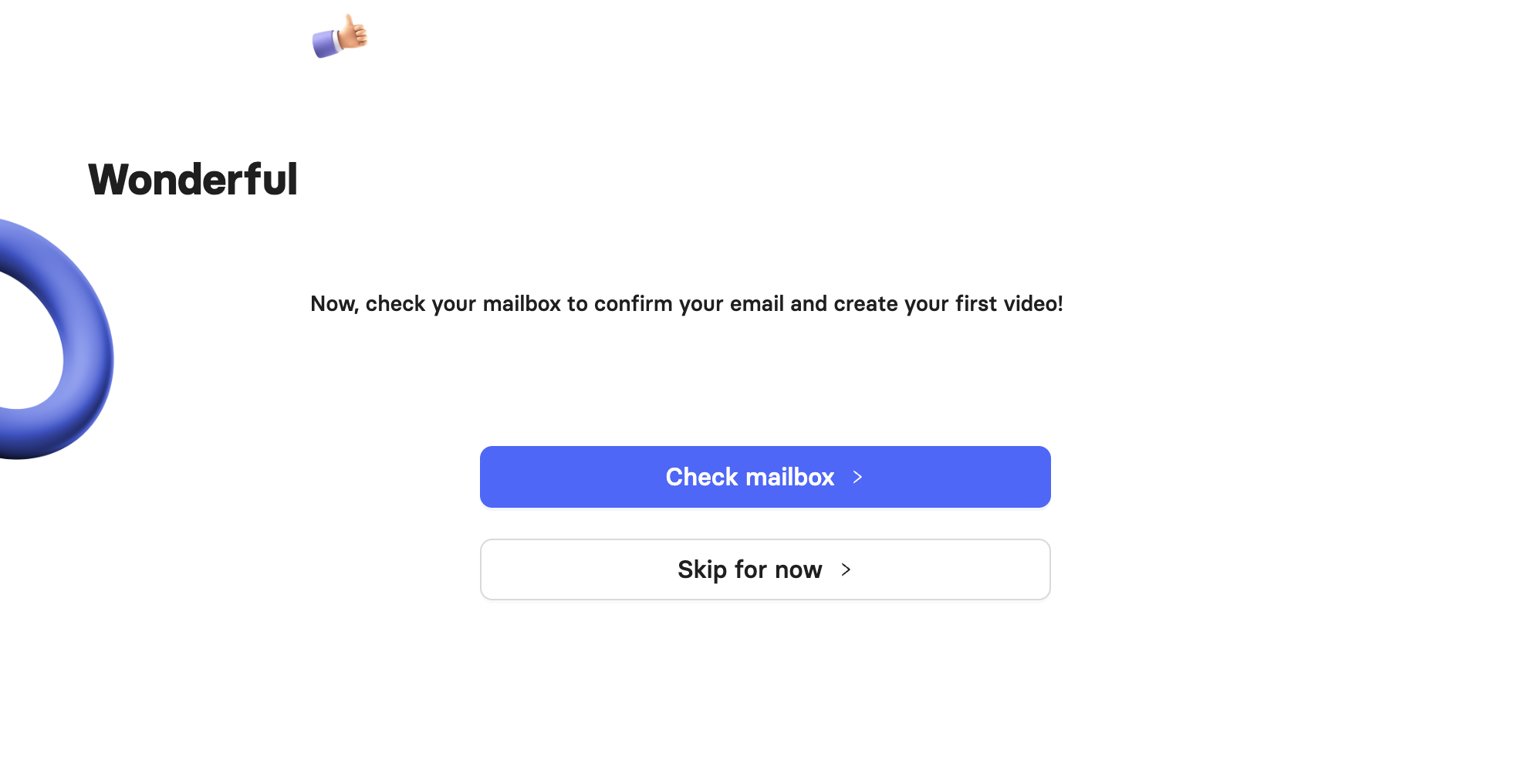
On the confirmation screen, click Check mailbox to verify your email right away, or click Skip for now to verify later.
Verify Your Email Address
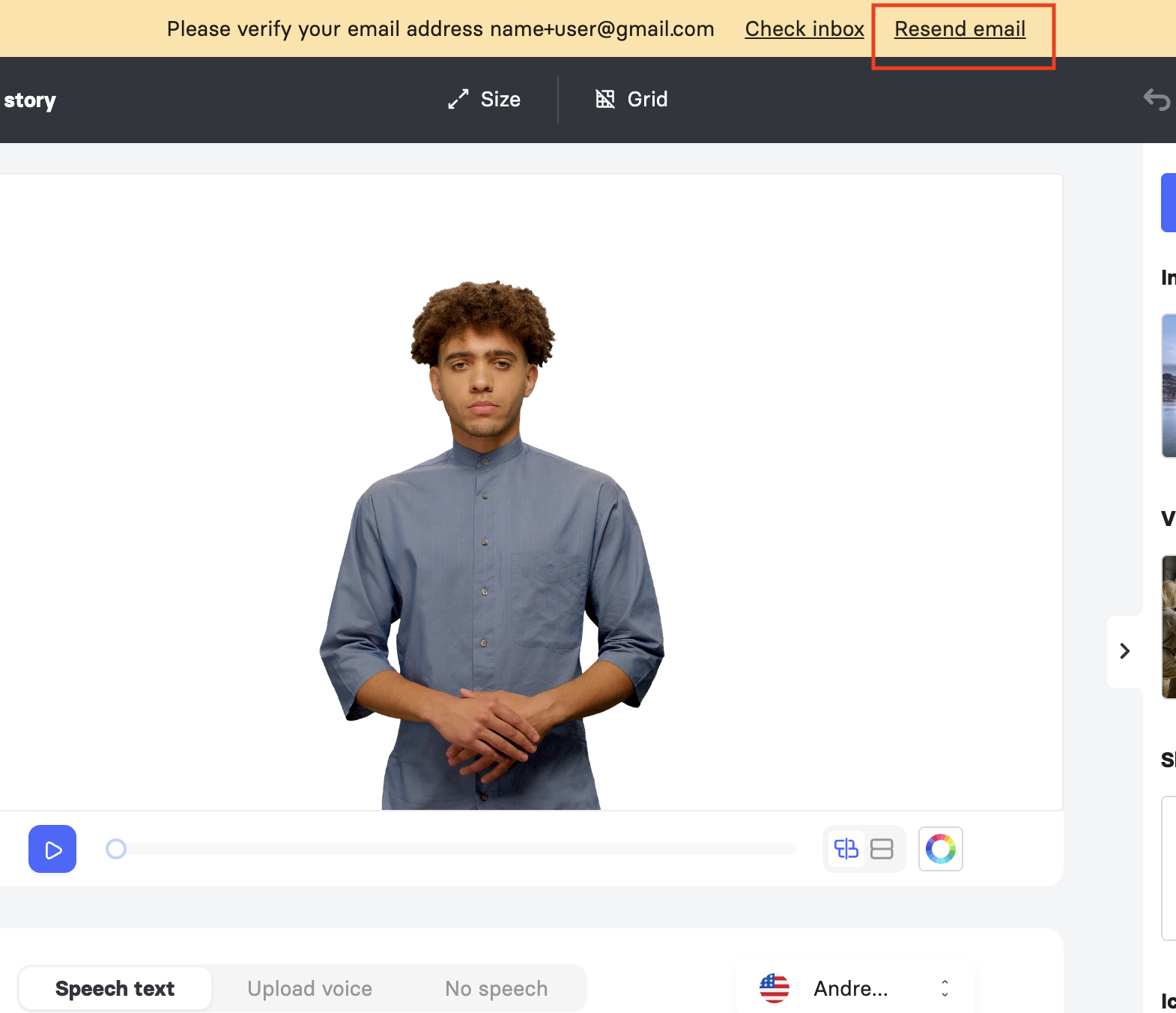
After finishing setup, you will land in the Elai editor with your first video already created. A yellow banner at the top of the screen will prompt you to verify your email before you can render.
Check the inbox for the email address you signed up with.
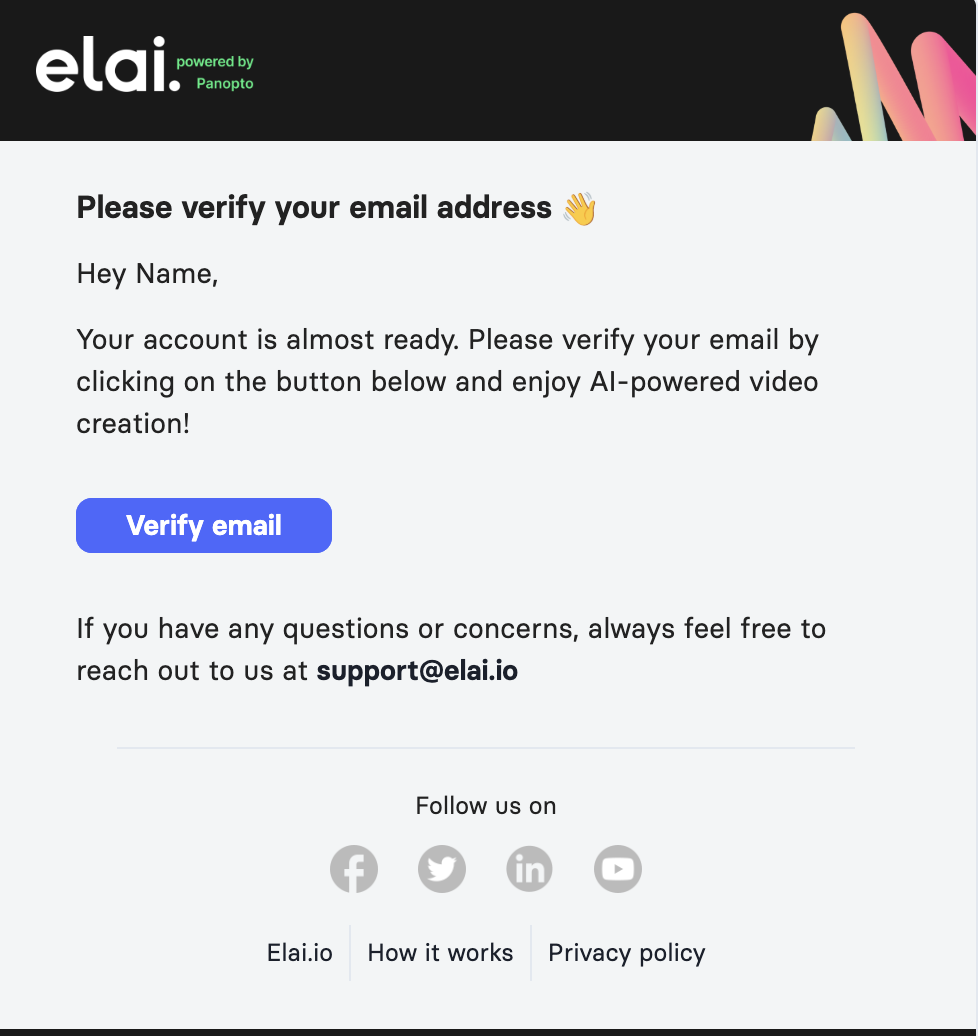
Open the email from Elai (noreply@mailgun.elai.io) titled Please Verify Your Email Address. If you don’t see the email in your inbox, check your spam folder.
Click Verify email.
If you cannot find the email, you can request it again from within the editor.
In the yellow banner at the top of the editor, click Resend email.
Wait for the confirmation message letting you know the email was sent.

Check your inbox and click Verify email in the new message.
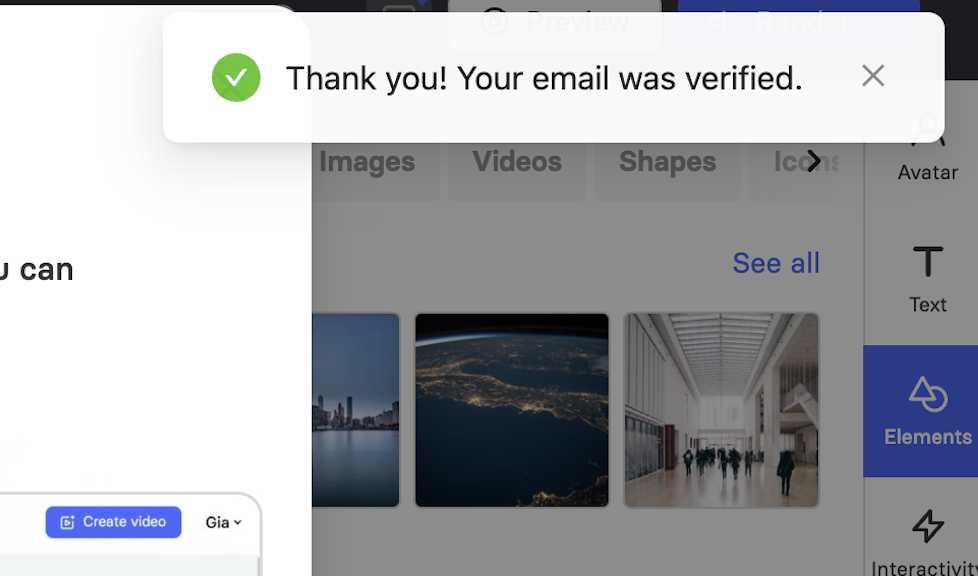
Once your email is verified, a confirmation message will appear, and you will be able to render your videos.
FAQ
Can I use the editor before verifying my email?
Yes. You can build your first video, including adding slides, avatars, and speech, before verifying. You will only be blocked when you attempt to render.
If I have a Trial account, do I still need to verify my account to create videos?
To render videos, you will need to verify your account, regardless of the type of account you have. Do note that Trial customers are limited to up to 3 slides and 60 seconds of video content.
Was this article helpful?
That’s Great!
Thank you for your feedback
Sorry! We couldn't be helpful
Thank you for your feedback
Feedback sent
We appreciate your effort and will try to fix the article