Overview
The Free Plan is the best way to explore Elai Builder before committing to a paid subscription. It gives you access to most of the same tools available on our paid plans, so you can create a real video and see how the editor works from start to finish.
With the Free Plan, you can build a video using avatars, voices, templates, and stock media, then render and share your project to see the final result.
Prerequisites
Verified Elai account. If you have not verified your account yet, see How to Verify Your Elai Account.
What You Get With the Free Plan
The Free Plan gives you 1 minute of video content to render, so you can build and try out making videos with Elai before upgrading. This 1 minute of render time covers your whole account, and you can use it across as many videos as you like.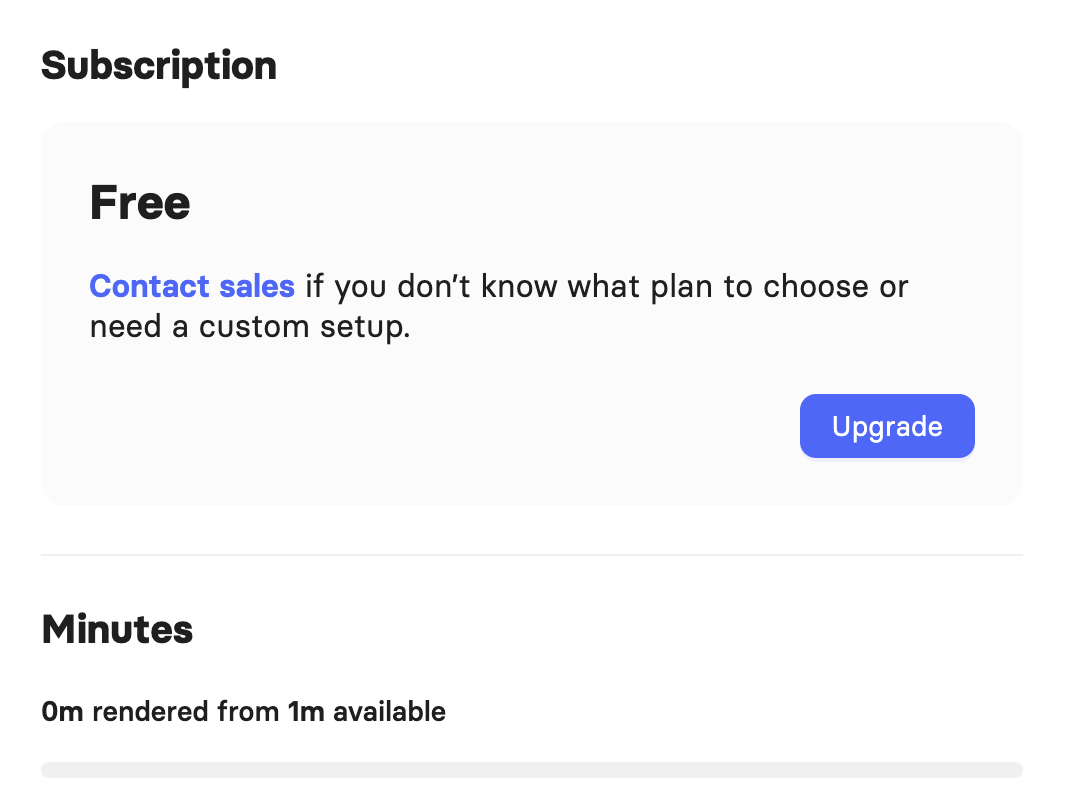
Each video can include up to 3 slides, and the speech in each slide cannot exceed 60 seconds.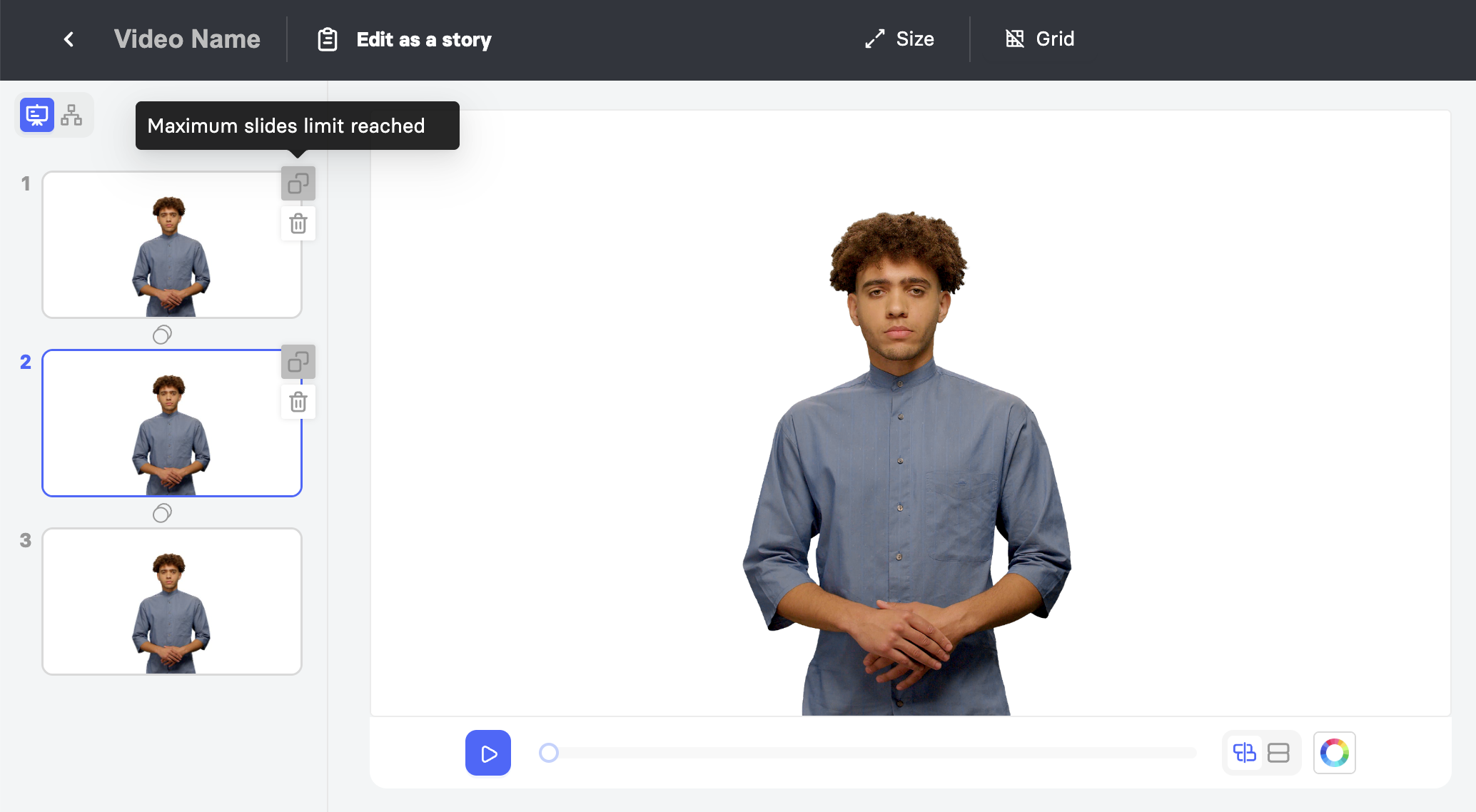 Note: Rendering minutes are drawn from your account balance every time you click Render, even if it is the same video. Deleting a rendered project does not restore the minutes that were used.
Features Included in the Free Plan
The Free Plan gives you access to most of the tools available on our paid plans, including:
Video export: Create videos in 1080p Full HD or 4K Ultra HD, in landscape, vertical, or square format.
Avatars: Choose from 80+ avatars and adjust their size or voice, or add a voiceover instead.
Languages and voices: Translate your script into any of 75+ supported languages, and choose from 300+ standard voices.
Stock library: Use stock images, videos, Lottie animations, GIFs, stickers, and music to build your scenes.
Animations and transitions: Add slide transitions and animations to your video.
Templates: Start from one of 100+ templates, build your own custom templates, or upload a PPTX or PDF file to continue editing in Elai Builder.
AI Storyboard: Generate a first draft of your video automatically.
Built-In Screen Recorder: Record your screen directly within Elai Builder.
Interactivity: Add branching, buttons, hotspots, and text-based quizzes, and track results with Video Analytics.
Captions and translation: Add auto captions and subtitles, or translate your video automatically into other languages.
Sharing: Download or share your finished video.
You do not need a credit card to sign up for or use the Free Plan.
Creating a Video From a Template
You can start a video from any pre-designed template while on the Free Plan, but only the first 3 slides of the template will be available to you. You can edit, rearrange, or delete these slides freely within that limit.
Note: If a template has more than 3 slides, you will need to upgrade your plan to unlock and render the remaining slides.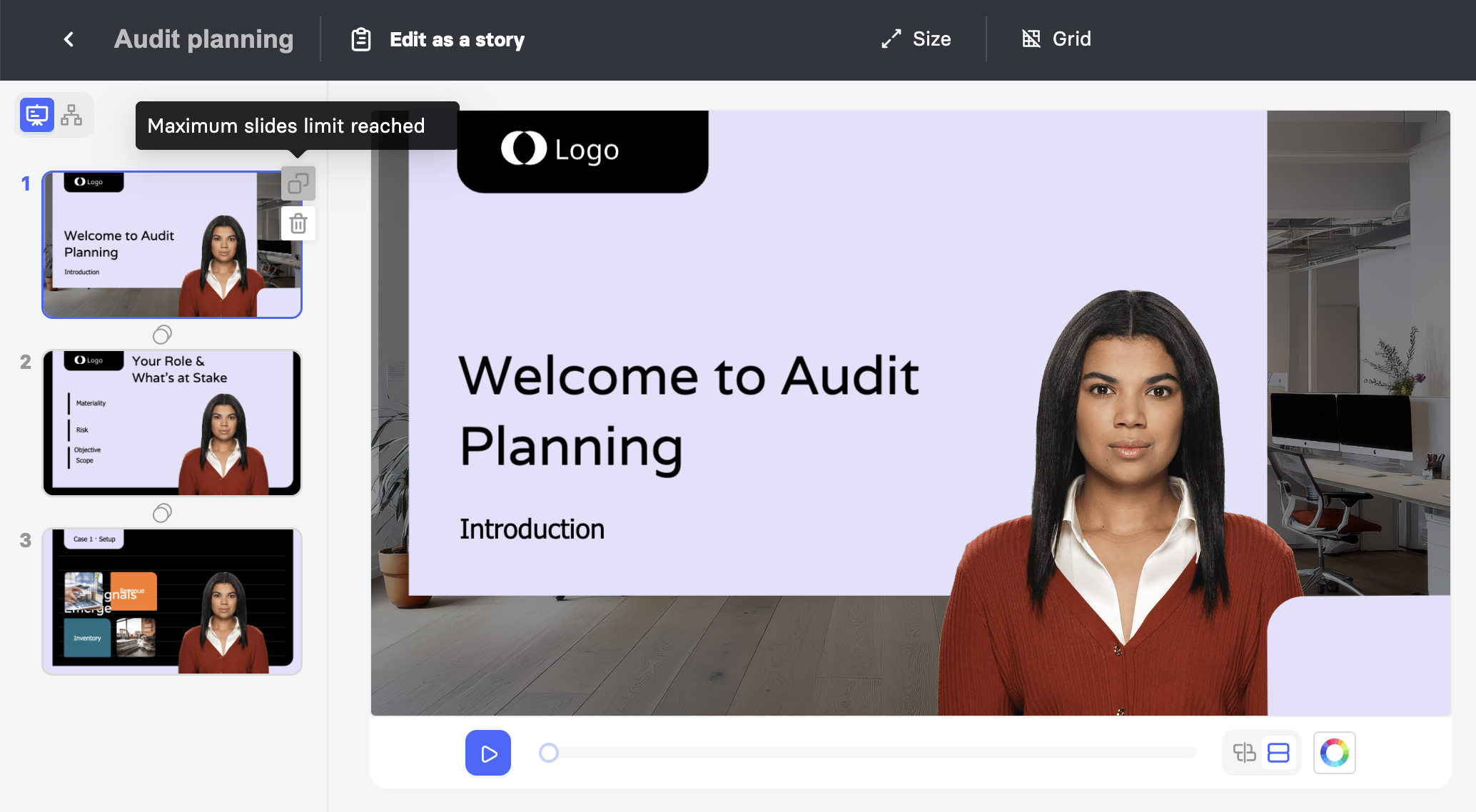
Upgrading or Canceling Your Plan
The Free Plan is not a recurring subscription, so there is no subscription to cancel. If you decide you no longer want to use Elai, you can delete your profile instead from My Profile.
Important! Deleting your profile means you will no longer be able to access your videos or sign in to Elai. This action cannot be undone.
Upgrading unlocks features like premium voices, AI image generation, and premium avatars, along with more render minutes, additional slides per video, and access to workspaces and collaboration tools.
To upgrade to a paid plan, click Upgrade in the left sidebar.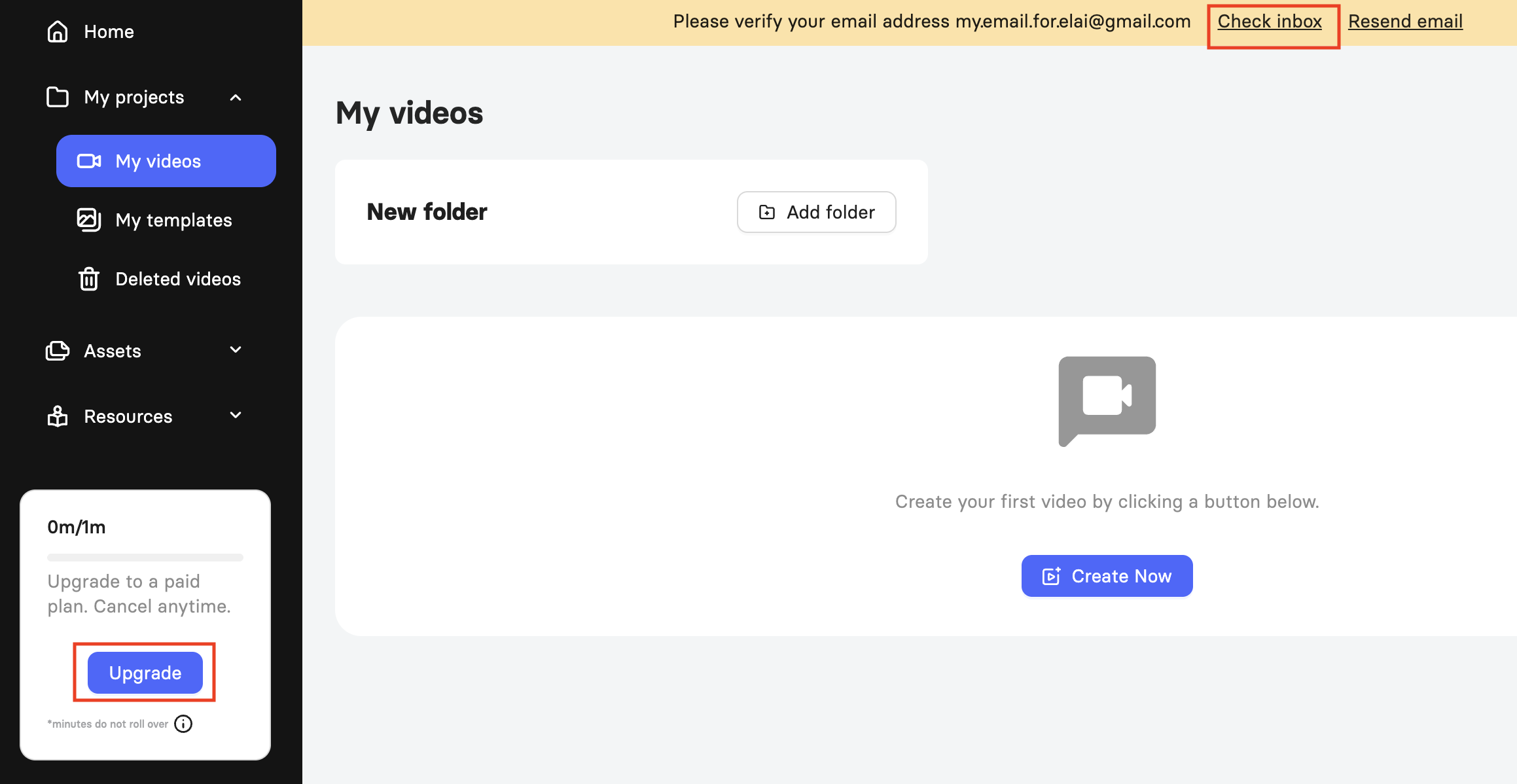
FAQ
Do I need a credit card to start using the Free Plan?
No, you do not need a credit card to get started with Elai.
How many render minutes do I get on the Free Plan?
You get 1 minute of render time on the Free Plan.
Can I invite other people to collaborate on my videos?
No, the Free Plan does not include collaboration. Collaboration is available on the Enterprise plan.
Is there a limit on how long the speech in a slide can be?
Yes, the speech in each slide cannot exceed 60 seconds.
Will deleting a video give me back the minutes I used?
No, minutes are drawn from your account balance each time you render, even if you render the same video more than once. Deleting the video afterward does not restore those minutes.
Which plan is right for me?
Visit the Elai pricing page to compare plans and features side by side, or contact our team at support@elai.io to book a call and find the right fit.
Further Reading
Was this article helpful?
That’s Great!
Thank you for your feedback
Sorry! We couldn't be helpful
Thank you for your feedback
Feedback sent
We appreciate your effort and will try to fix the article