Applying the background in Elai.io is a straightforward process handled through the sidebar. Whether you are starting from a template or a blank canvas, here is how you can customize your slides:
Using the Elements Menu
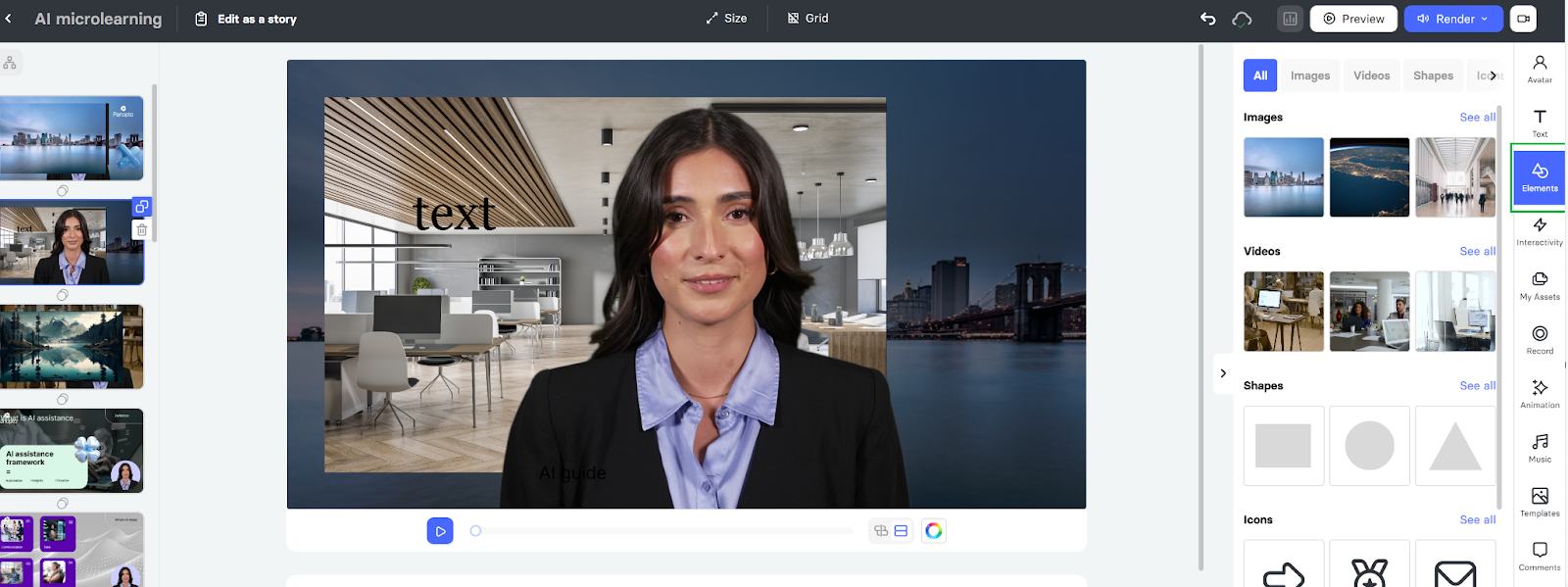
From the Elements menu on the right side of your screen, select the Image or Video you want as the background
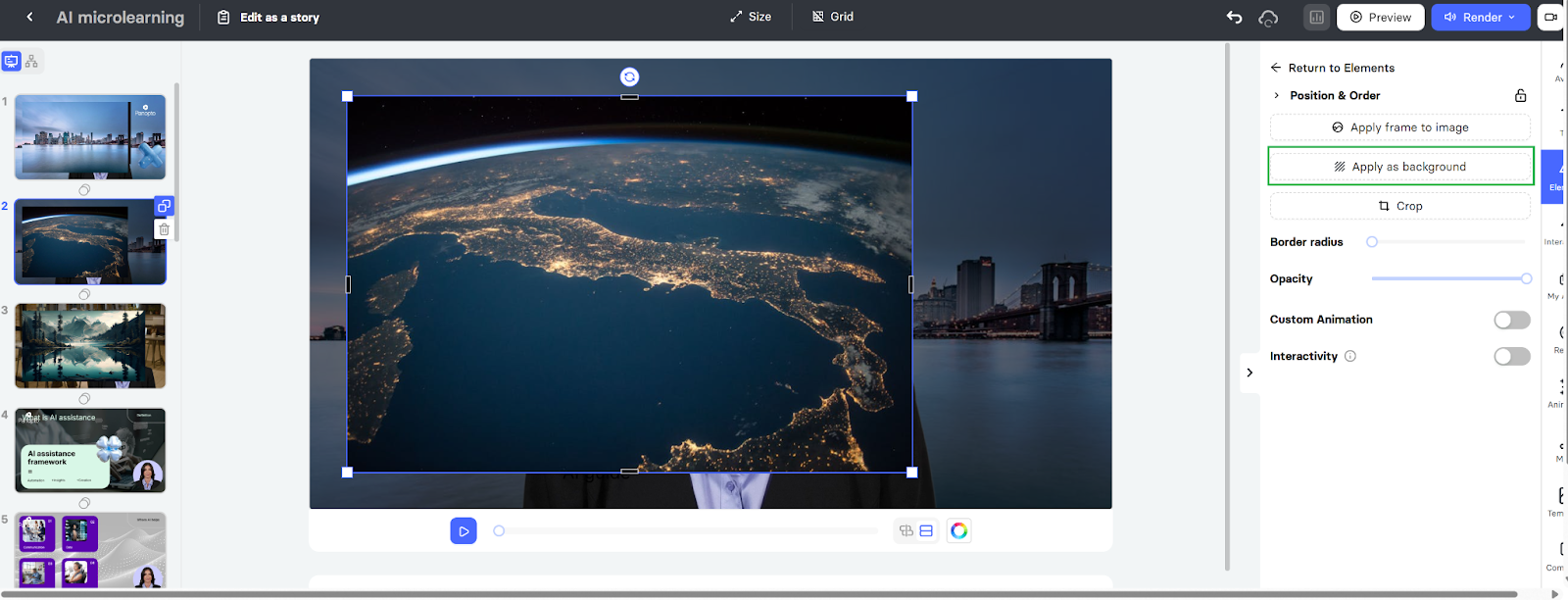
Click the "Apply as background" button. This will automatically scale and lock the media to the back of your scene.
Using My Assets
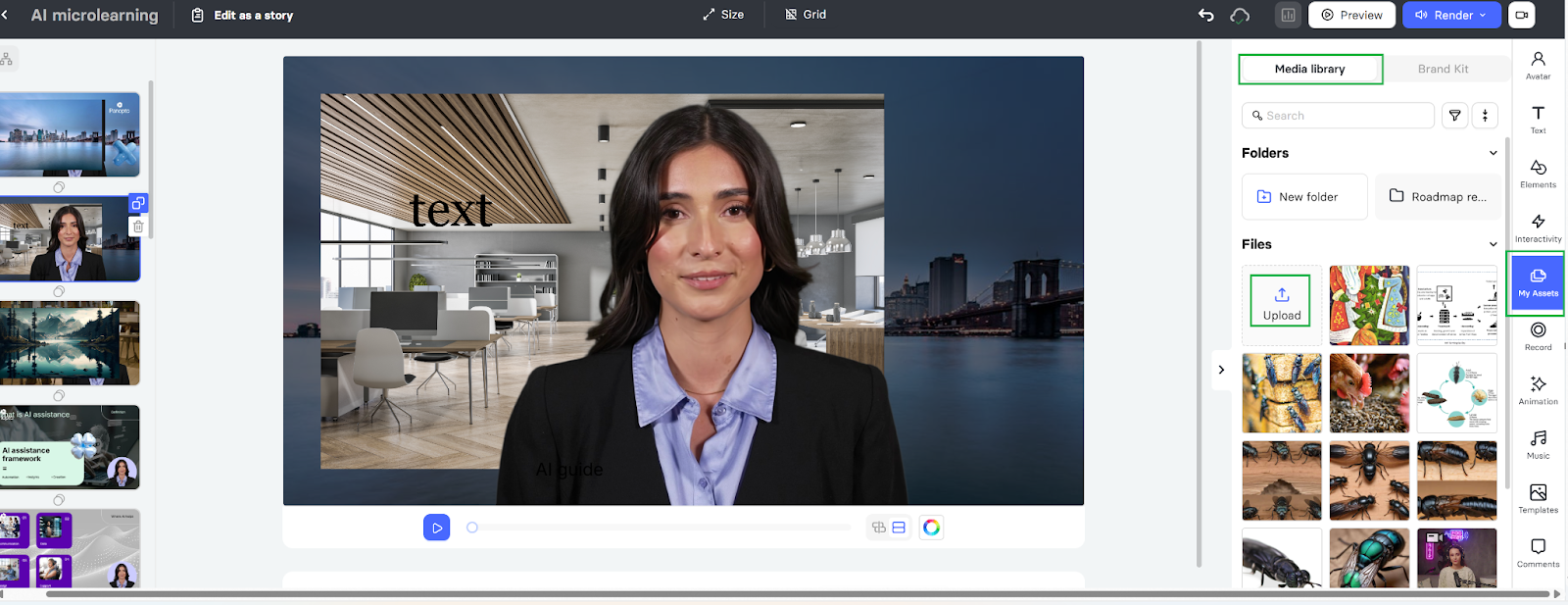
Go to the My Assets option on the right-hand panel. You can either select any image from the stock of images provided by the Elai editor in the Media Library, or you can Upload your image file (JPG, PNG, or MP4) and click Apply as a background.
Need Help?
If you have any questions, please contact our support team at support@elai.io.
Was this article helpful?
That’s Great!
Thank you for your feedback
Sorry! We couldn't be helpful
Thank you for your feedback
Feedback sent
We appreciate your effort and will try to fix the article